How to Get Better Quality AI Video: Practical Techniques for Runway, Pika, and Kling
Specific techniques for improving output quality in the three most widely used AI video tools — prompt refinement, post-processing with Topaz Video AI, and fixing the most common problems.
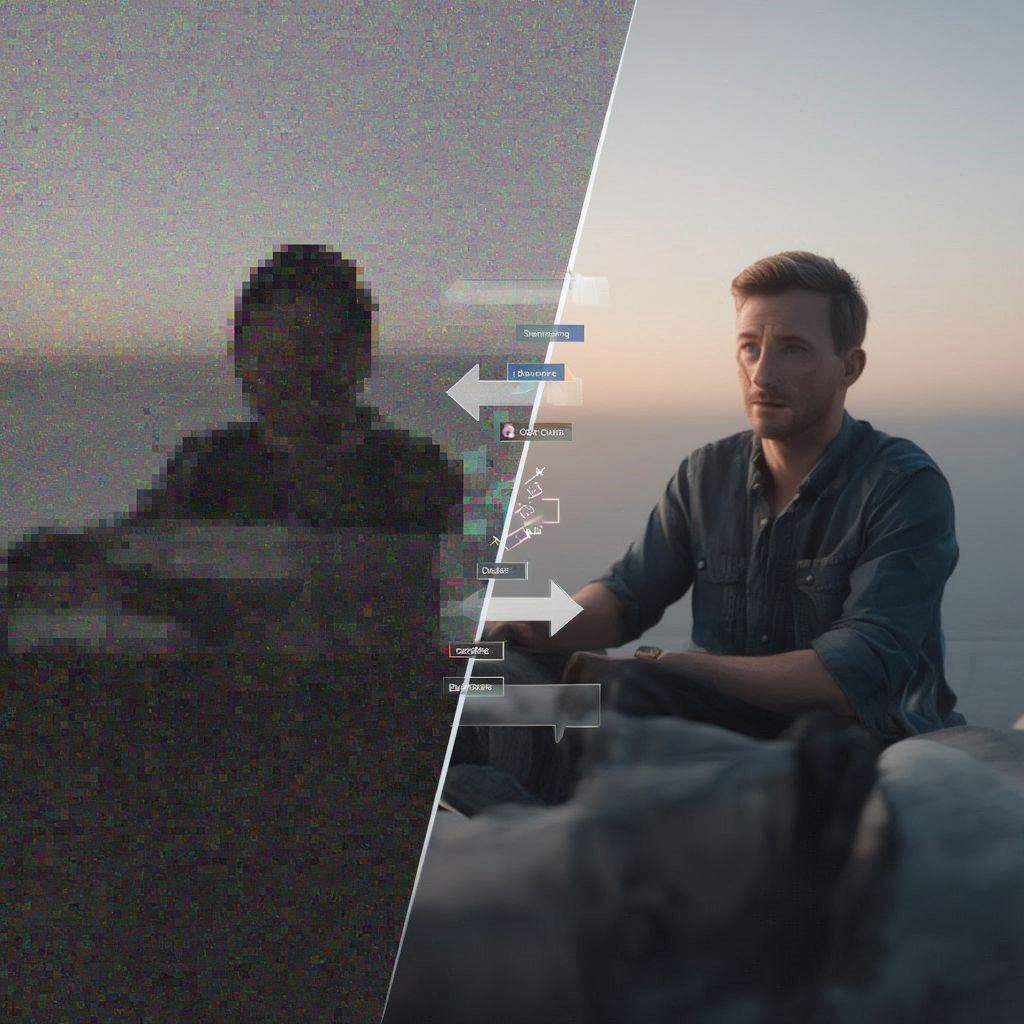
Generating AI video at a quality level that’s actually useful for content creation requires more than writing a prompt and hoping for the best. The good news is that a handful of specific techniques move the needle significantly, and most of them don’t require expensive hardware or subscriptions. This guide covers what actually works for improving output quality across the three most widely used tools: Runway Gen-3 Alpha, Pika 1.5, and Kling 1.0.
Prompt-Level Quality Improvements
The single highest-leverage change you can make is adding cinematographic language to your prompts. AI video models are trained on video datasets that include film, television, and professional photography — they respond to the same vocabulary that DPs and directors use.
Quality descriptors that work:
Arri Alexa cinema cameraorRed Dragon cinema camera— these signal professional-grade footageshallow depth of field— encourages natural background bokehanamorphic lens— produces the characteristic wide-screen oval bokeh seen in cinematic content8K,photorealistic,ultra-detailed— general quality boosters that tend to increase output fidelitynatural film grain— paradoxically makes AI video look more real by introducing organic texture
Lighting descriptors that improve output:
golden hour sunlight/magic hour— warm directional light that models handle wellRembrandt lighting— classic portrait lighting with one highlighted sidediffused overcast light— soft, shadowless lighting that avoids the model struggling with hard shadowsneon reflections on wet pavement— AI models have learned this specific look from film and photography training data, and it often produces striking results
Camera movement language:
Most users don’t specify camera movement, which means the model defaults to a generic drifting pan or static shot. Specifying movement improves coherence significantly:
slow dolly push-in— camera moves steadily toward the subjectorbit around subject— camera circles the subject (works better in Runway than Pika)crane shot looking down— top-down perspectivehandheld camera, slight motion— natural, documentary-style movement
Platform-Specific Techniques
Runway Gen-3: Using Motion Brush
Runway Gen-3 has a Motion Brush feature that lets you specify motion for particular regions of an image before generating. This is the best way to control what moves and what stays still. For example: upload a landscape image, paint the sky region with an upward brush stroke, and generate — you’ll get a stable foreground with moving clouds.
To access it: start an image-to-video generation, then click “Motion Brush” before submitting. You can add up to 5 different motion regions. Use broad strokes for natural motion (wind, water) and more precise strokes for object-level control.
For Runway specifically: multiple short regenerations often beat a single long one. If you need a 10-second clip, it’s often better quality to generate two 5-second clips and combine them in editing than to let Runway generate 10 seconds directly. Quality tends to degrade in the latter half of longer Runway generations.
Pika 1.5: Negative Prompts
Pika supports negative prompts — descriptions of what you don’t want — and for this platform they’re more impactful than on Runway. Common negative prompts that improve output:
blurry, low quality, watermark— basic quality filterdistorted faces, deformed hands, extra fingers— reduces the common human figure artifactsfast motion, jittery, shaky— forces slower, more stable motiontext, words, letters— prevents the model from generating garbled text in the scene
Access negative prompts in Pika by expanding the “Advanced Options” section of the generation interface.
Kling 1.0: Professional Mode
Kling offers a Professional Mode that generates at higher fidelity at the cost of longer processing time and higher credit consumption. For final outputs intended for publication, always use Professional Mode. Standard mode is appropriate for quick iteration, but the quality difference is visible.
Kling also responds well to Chinese-language prompts if you’re generating content with cultural elements in that context — the training data skews toward Chinese-language descriptions, and some users report better results for specific content types when prompting in Mandarin.
Fixing the Most Common Quality Problems
Problem: Temporal Inconsistency (Objects Flicker or Warp)
This is the most common and frustrating failure mode. A rock disappears between frames, a person’s shirt changes colour, a building’s window arrangement shifts.
Fix: Reduce clip duration. Generating 4 seconds instead of 8 dramatically reduces temporal drift. Additionally, remove any description of the scene changing or evolving — e.g., replace “clouds move across the sky” with “light clouds, slow drift” for a more stable result.
Problem: Human Faces Look Wrong
AI video models still struggle significantly with human facial detail in extended clips. Close-up portrait shots often degrade over the course of a clip, particularly around eyes and mouth.
Fix 1: Avoid close-up shots of faces in text-to-video mode. Use image-to-video instead, where the model has a concrete reference for the face.
Fix 2: For avatar-style content featuring speaking characters, specialised tools like HeyGen or Synthesia are significantly better than general-purpose video generators. HeyGen starts at $29/month and is purpose-built for lip-synced avatar videos.
Problem: Low Resolution or Blurry Output
Fix 1: Enable the HD/1080p option in Runway or Kling professional mode. This is the most straightforward fix.
Fix 2: For clips that are already generated at 720p or below, Topaz Video AI ($199 one-time license, available at topazlabs.com) is the industry-standard upscaling tool. Its Veai models can upscale a 720p AI video clip to a clean 4K output, and it includes motion-aware denoising that removes the specific noise patterns AI video introduces. The results are significantly better than any online upscaler.
Problem: Artifacts at the Edges of the Frame
Many AI video tools produce visible artifacts (warping, colour bleeding, soft edges) at the frame borders. This is a known characteristic of the underlying diffusion architecture.
Fix: In your editing software, apply a very slight crop (2–3%) to all four sides of the frame. This removes the worst edge artifacts while preserving the central image. In DaVinci Resolve, this is a single click in the Transform menu.
Post-Processing Workflow
For creators using AI video professionally, a lightweight post-processing pipeline makes a significant difference to the perceived quality of final output:
- Upscale to 1080p or 4K using Topaz Video AI if generating at lower resolutions
- Apply gentle sharpening — AI video tends to be slightly soft;
0.3–0.5sharpening in Resolve or Premiere is usually enough - Apply a LUT (Look Up Table) for colour grading — free LUTs from sites like Ground Control or Lutify.me add a consistent, professional colour treatment across multiple clips
- Add film grain as a compositing step — a small amount of natural grain (10–15%) blends AI video with natural footage and reduces the “perfect” look that reads as synthetic
DaVinci Resolve (free version) handles all four steps and is the most widely used tool in this workflow among professional AI video creators.
Related Articles
Prompt Engineering for AI Video: Real Examples That Work in Runway, Pika, and Sora
A practical guide to writing effective prompts for AI video generation — with specific example prompts, the logic behind what works, and common structures to adapt for your own projects.
Building Your First AI Video with Runway Gen-3: A Step-by-Step Tutorial
A hands-on beginner's guide to creating your first AI-generated video using Runway Gen-3 Alpha, including real prompt examples and what to do when results disappoint.
Understanding AI Video Generation Technology
A practical explainer on how modern AI video models like Sora, Runway Gen-3, and Stable Video Diffusion actually work — from diffusion models to transformers.